



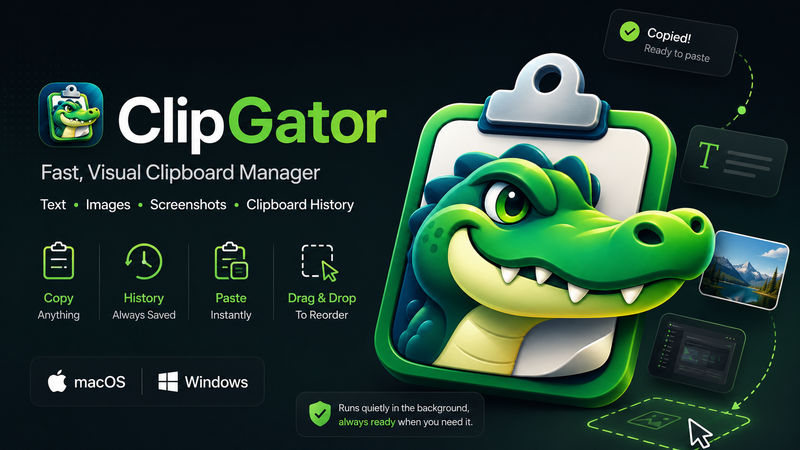

ClipGator
0.1.0 · macOS 11+ (Apple Silicon) • Windows 10/11 (x64)
Fast visual clipboard manager for text, images and screenshots, with history, multi-select, drag-and-drop and background monitoring.
clipboardproductivityscreenshots

A compact drag-and-drop shelf for temporarily holding and moving files between folders and apps.
Hosted on GitHub Releases ·wajahtrasool125/WajahatDev-GitHub-repository @ FilePocket
Meet FilePocket
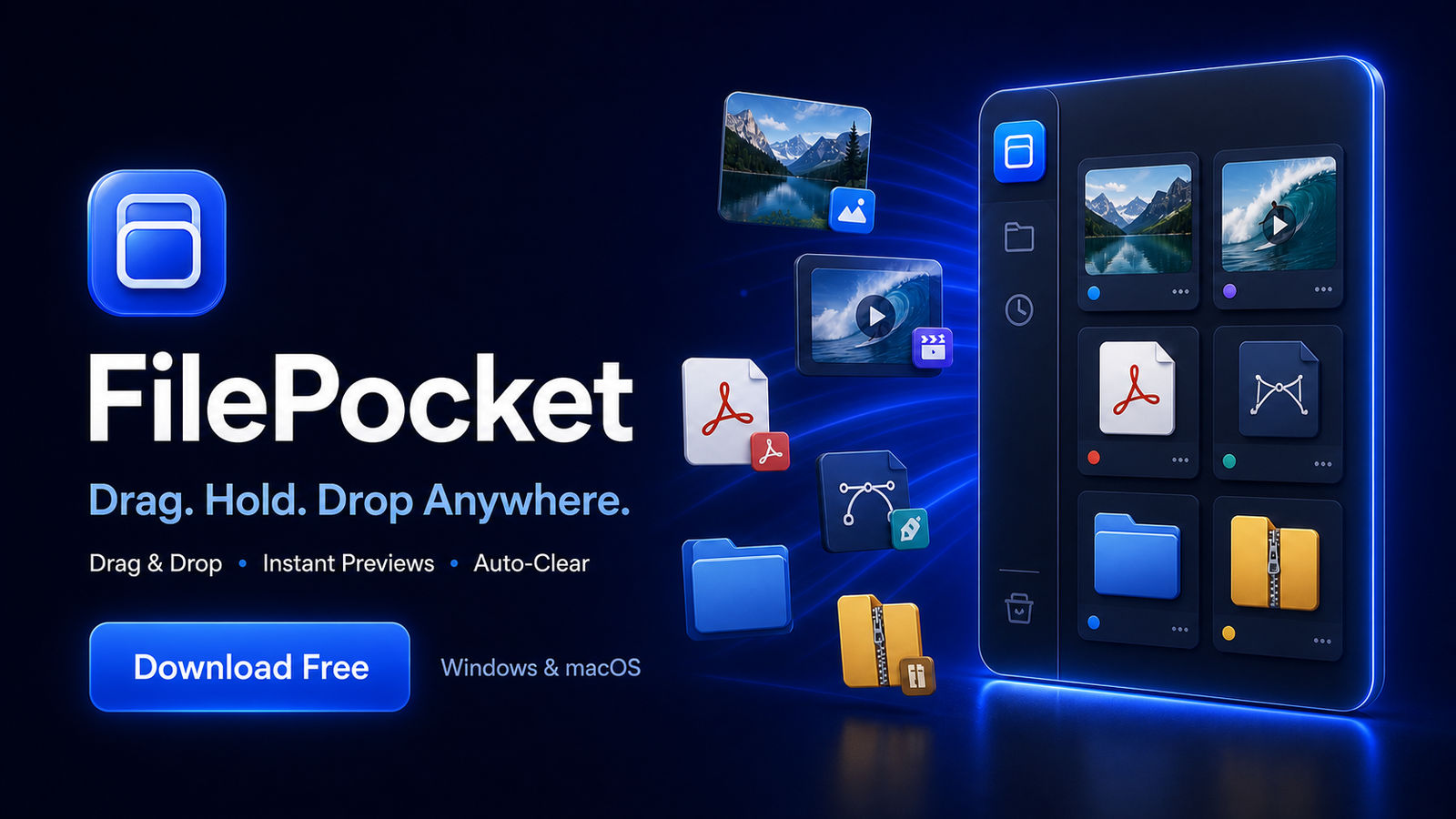
FilePocket is a lightweight desktop file shelf that makes moving files and folders between different locations and applications faster and easier.
Simply drop your files into the compact sidebar, continue working, and drag them out whenever you need them. FilePocket only stores references to your files—it never moves, renames or deletes the originals.
Key Features
- Native drag and drop for files and folders
- Compact full-height sidebar that stays out of your way
- Two-column preview grid for quick visual browsing
- Previews for images, videos, PDFs, SVG, AI and EPS files
- Clear icons for folders, ZIP archives, media and documents
- Single selection, multi-selection and mouse drag-selection
- Drag selected files from anywhere on their cards
- Pin important items to keep them available
- Automatically clear temporary items after two hours
- Light and dark appearance modes
- Open files or reveal them in Finder and File Explorer
- Global Ctrl/Cmd + Shift + Space shortcut to show or hide the shelf
How It Works
1. Drag files or folders into FilePocket.
2. Switch to another folder or application.
3. Select one or multiple items from the shelf.
4. Drag them to their new destination.
Local and Private
FilePocket works locally on your computer. Your files are not uploaded to a server or shared with third parties.
Removing or automatically clearing an item from FilePocket only removes its shelf reference. Your original file remains untouched.
Available Platforms
- Windows: Windows 10 or Windows 11, 64-bit
- macOS: Modern Intel and Apple Silicon Macs
Installation Notice
The current Windows and macOS builds are distributed without a commercial code-signing certificate.
- Windows: Microsoft Defender SmartScreen may display an “Unknown publisher” notice. Click More info, verify the downloaded filename, and choose Run anyway.
- macOS: If Gatekeeper blocks the first launch, right-click FilePocket.app and choose Open.
FilePocket — Drag. Hold. Drop Anywhere.
0.1.0 · macOS 11+ (Apple Silicon) • Windows 10/11 (x64)
Fast visual clipboard manager for text, images and screenshots, with history, multi-select, drag-and-drop and background monitoring.