



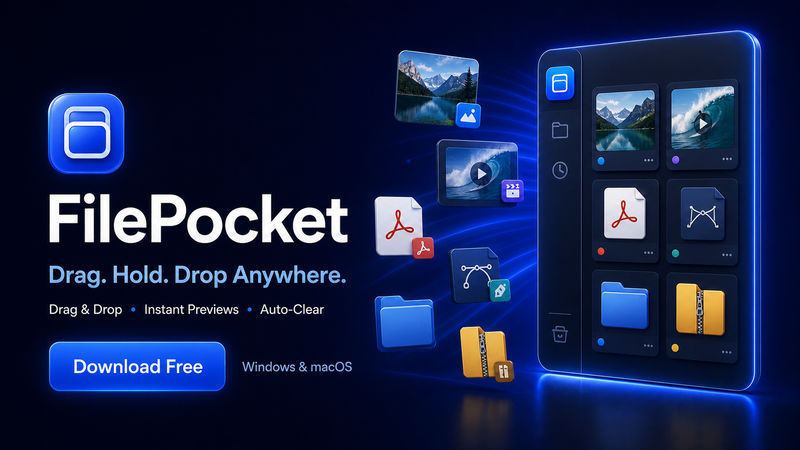

FilePocket
v0.1.0 · Windows 10/11 (x64), macOS
A compact drag-and-drop shelf for temporarily holding and moving files between folders and apps.
productivityfile managerdrag and drop

Fast visual clipboard manager for text, images and screenshots, with history, multi-select, drag-and-drop and background monitoring.
Hosted on GitHub Releases ·wajahatrasool125/WajahatDev-GitHub-repository @ v1
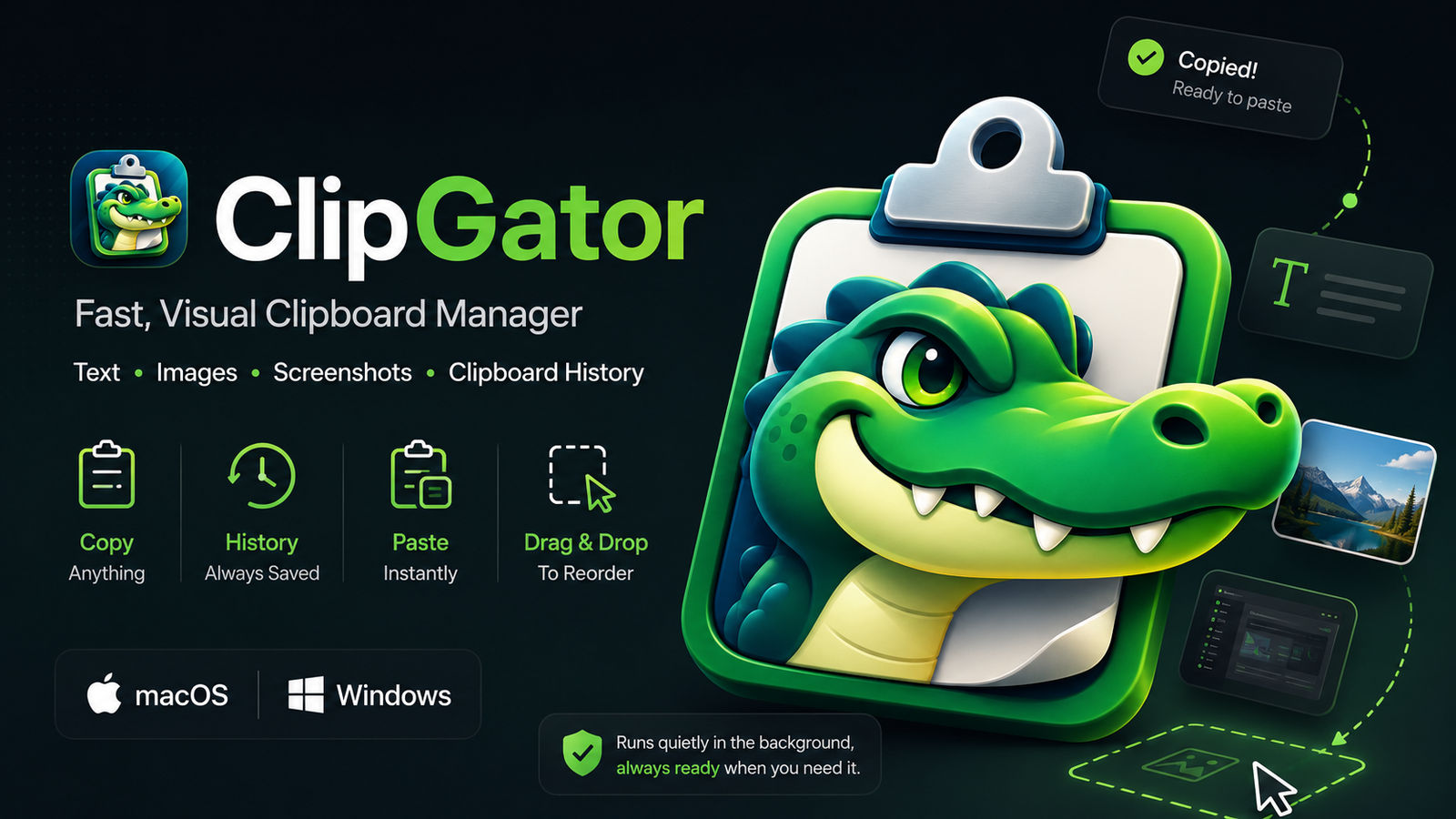
ClipGator is a lightweight visual clipboard manager that keeps recently copied text, images and screenshots within quick reach.
Key Features
• Automatic clipboard history monitoring
• Separate text and screenshot sections
• Date-based clipboard grouping
• Multi-selection using mouse drag or Ctrl/Cmd + click
• Copy multiple selected entries
• Native screenshot drag-and-drop
• Plain-text drag-and-drop into supported text fields
• Responsive screenshot grid layouts
• Quick screenshot preview and information controls
• Pin important entries to the top
• Light and dark themes
• Always-on-top mode
• Background clipboard monitoring
• Custom background notification popup
Available Platforms
macOS:
• Apple Silicon build
• Compatible with M1, M2, M3, M4 and newer Apple Silicon Macs
Windows:
• Windows 10 and Windows 11
• 64-bit x64 Setup installer
Important Note
ClipGator is currently an early public test release. The application is unsigned, so macOS or Windows may display a security warning when it is opened for the first time.
v0.1.0 · Windows 10/11 (x64), macOS
A compact drag-and-drop shelf for temporarily holding and moving files between folders and apps.